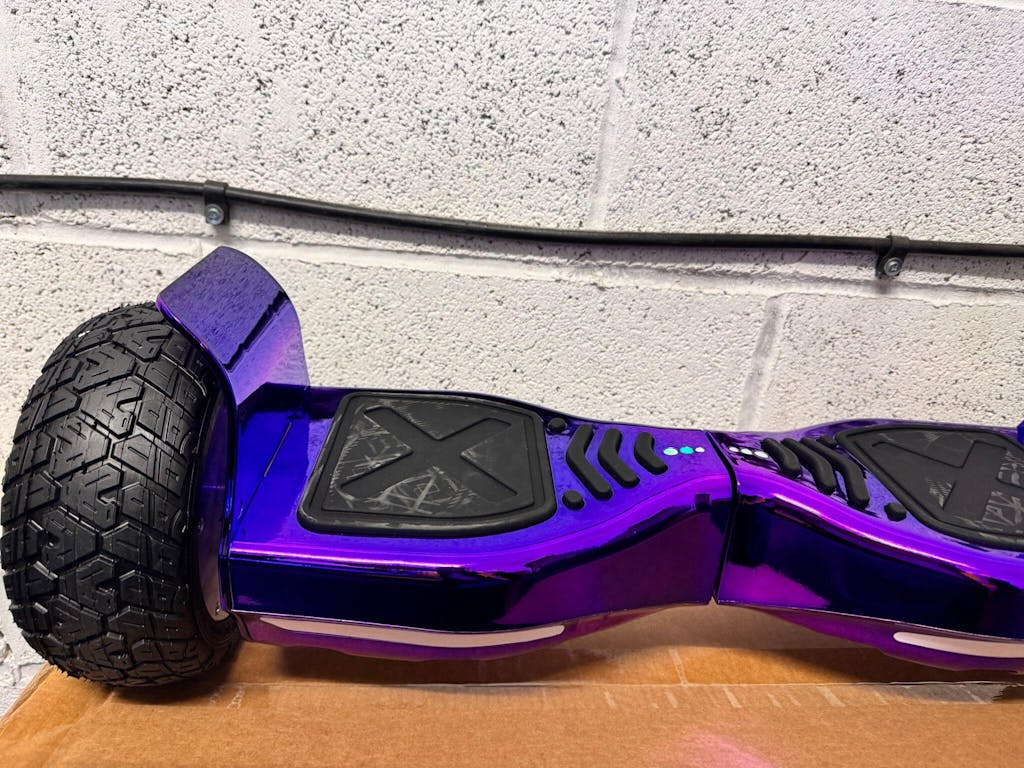
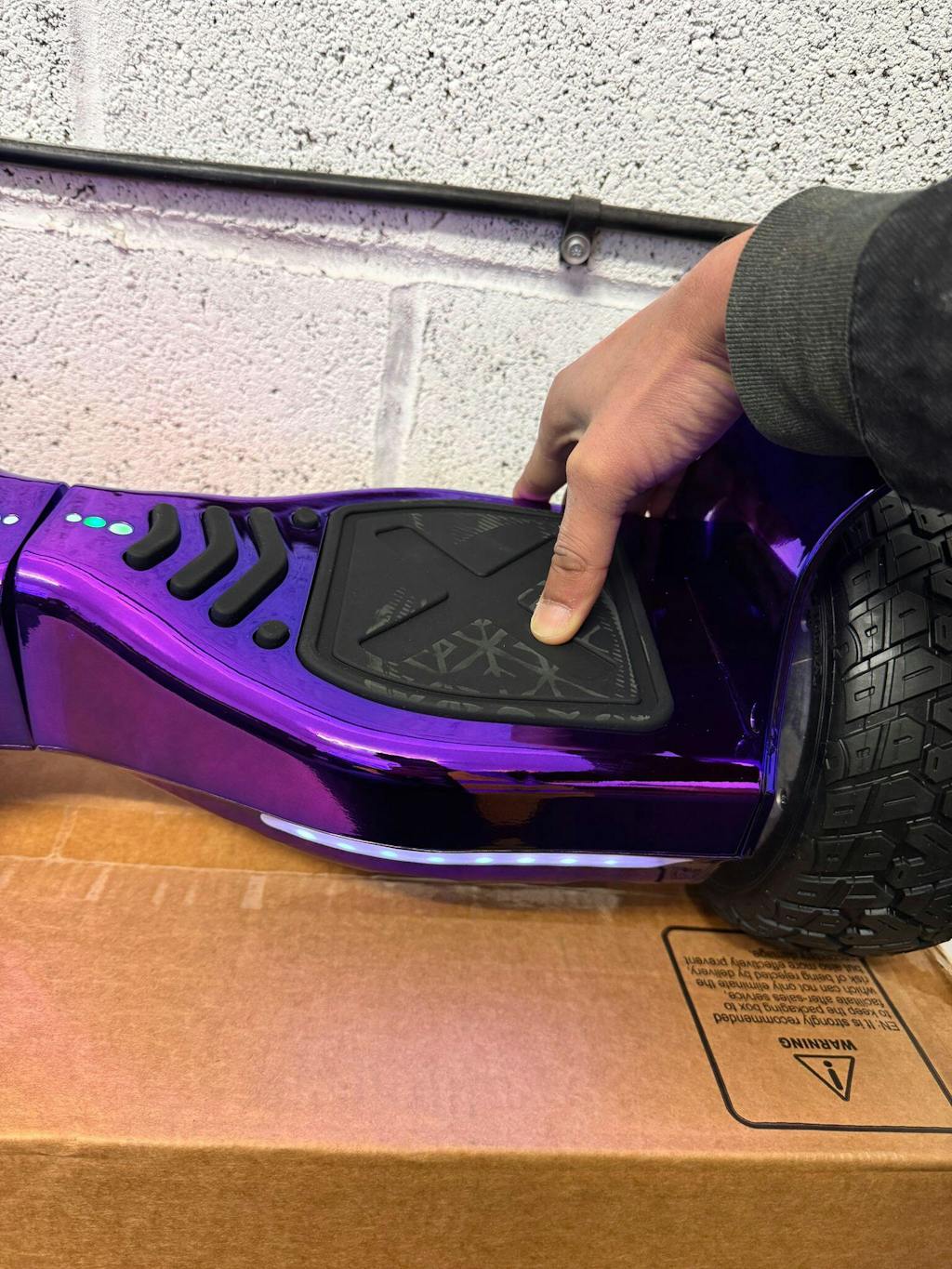
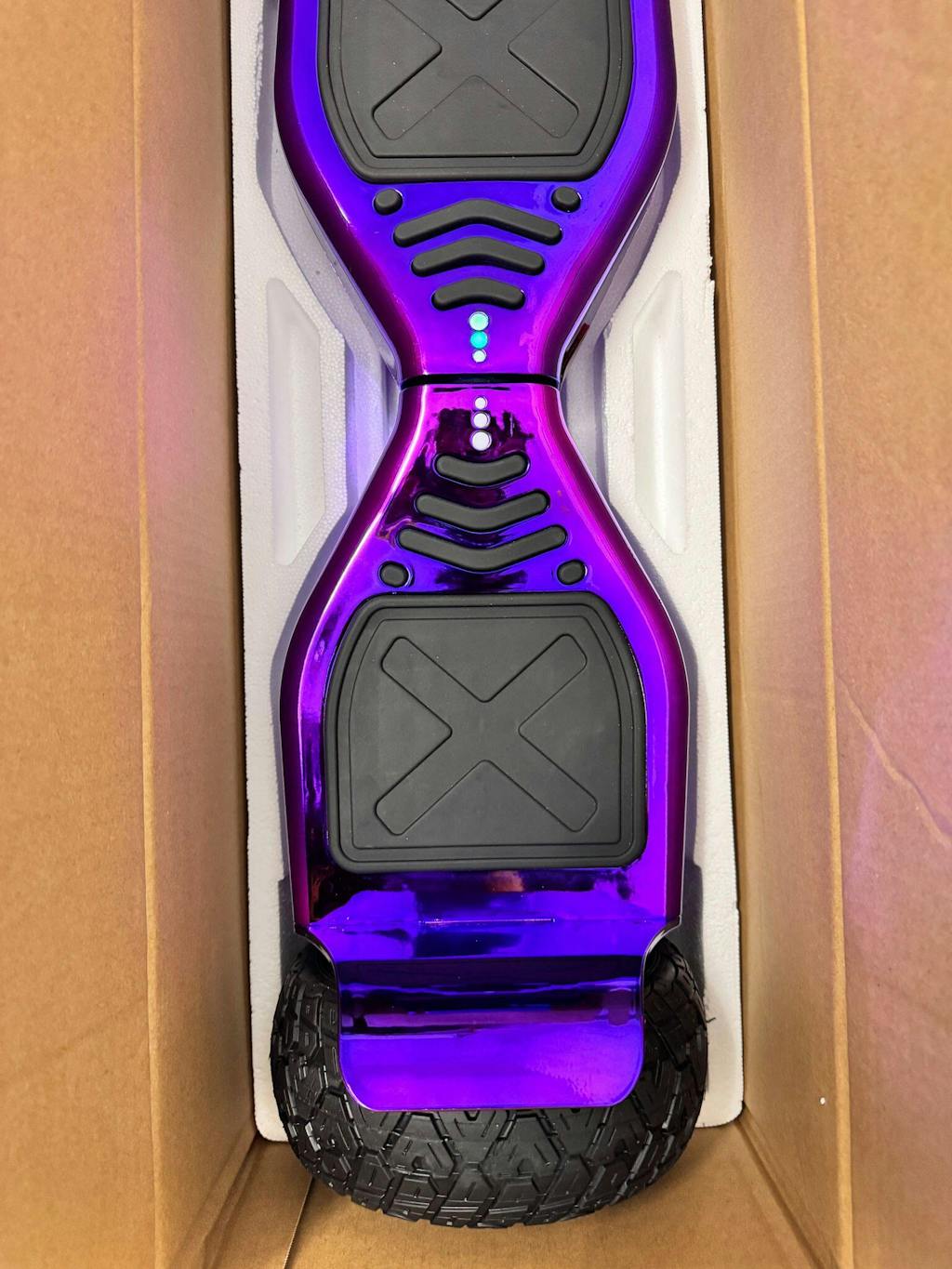
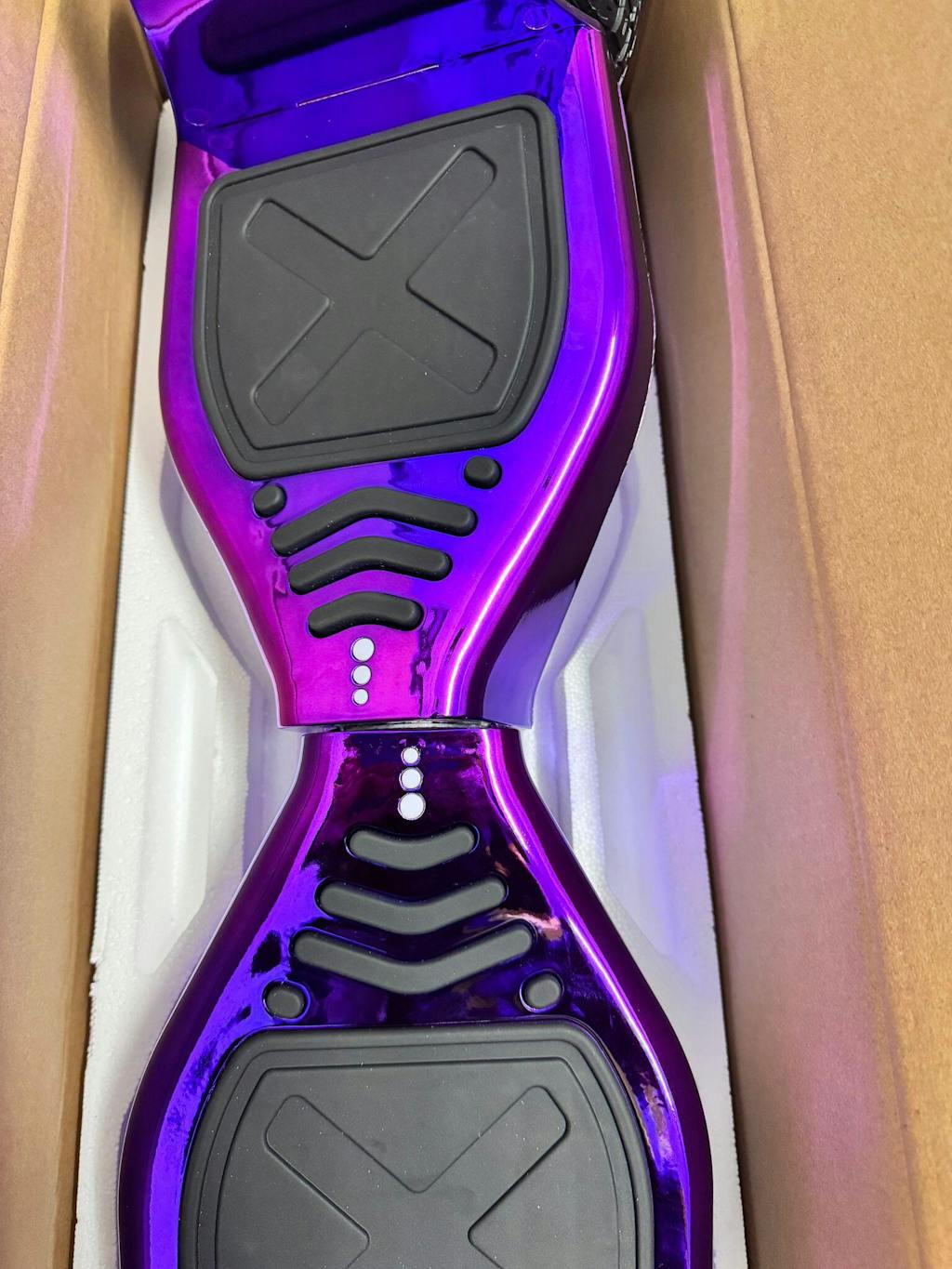
Hoverboard Troubleshooting UK: Common Problems & Solutions 2026
Power & Charging Issues
Hoverboard Won't Turn On
Diagnosis: The battery may be completely discharged, or there may be a connection issue.
Solution: First, charge your hoverboard for at least 2 hours using the supplied charger. Ensure the charger is plugged into a working outlet—test the outlet with another device. Check that the charging cable is fully connected to both the hoverboard and charger. After charging, press the power button and hold for 3 seconds. If the hoverboard still won't turn on, try a different charger to rule out charger failure.
If problem persists: The battery may be dead and require replacement. Contact our support team for battery replacement options.
Won't Charge
Diagnosis: The charger may be faulty, the charging port may be damaged, or the battery may be dead.
Solution: First, test the charger with a different outlet. If the charger works with a different outlet, the original outlet may be faulty. Try a different charger if available. Inspect the charging port for damage, corrosion, or loose connections. If the port is corroded, gently clean it with a dry cloth. Ensure the charging cable is fully inserted into the charging port.
If problem persists: The charging port may be damaged and require professional repair. The battery may also be dead. Contact our support team for repair or replacement options.
Battery Drains Quickly
Diagnosis: Battery degradation, high-performance mode, or riding on hills/rough terrain.
Solution: Check if your hoverboard is in high-performance mode—this consumes more power. Switch to normal mode if available. Verify you're not riding on hills or rough terrain, which drain batteries faster. Check the ambient temperature—cold weather reduces battery efficiency. If the hoverboard is 2-3 years old, battery degradation is likely. Reduce usage intensity and charge more frequently.
If problem persists: Battery replacement may be needed. Contact our support team for replacement battery options.
Motor & Movement Issues
Hoverboard Won't Move
Diagnosis: Motor may be disconnected, wheels may be locked, or there may be a connection issue.
Solution: Check that both wheels are spinning freely. Manually spin each wheel—they should rotate smoothly without resistance. If a wheel is locked, something may be jamming it. Inspect for debris or damage. Check that the motor connectors are fully connected inside the hoverboard. If you're comfortable opening the hoverboard, verify connections are secure.
If problem persists: Motor may be faulty and require replacement. Contact our support team for repair options.
One Wheel Won't Spin
Diagnosis: Motor failure, wheel jam, or connection issue.
Solution: Manually spin the non-moving wheel. If it won't spin, something is jamming it. Inspect for debris, hair, or damage. Remove any debris carefully. If the wheel spins freely but won't move when powered, the motor may be faulty. Check the motor connector inside the hoverboard—it may be loose or disconnected.
If problem persists: Motor replacement may be needed. Contact our support team for repair options.
Sound & Sensor Issues
Continuous Beeping
Diagnosis: Battery is low, sensors are malfunctioning, or there's a connection issue.
Solution: First, charge your hoverboard fully. Continuous beeping often indicates low battery. If beeping continues after charging, the sensors may be malfunctioning. Check that the hoverboard is on a flat surface—uneven surfaces trigger sensors. Ensure both feet are firmly on the footpads. If beeping continues, try powering off and back on.
If problem persists: Sensors may be faulty and require replacement. Contact our support team for repair options.
Troubleshooting Checklist
| Check | Action | Status |
|---|---|---|
| Is the battery fully charged? | Charge for at least 2 hours | ☐ |
| Is the hoverboard on a flat surface? | Move to flat ground | ☐ |
| Are both feet firmly on footpads? | Verify proper foot placement | ☐ |
| Have you tried powering off and back on? | Reset the hoverboard | ☐ |
| Have you tried a different charger? | Test with another charger | ☐ |
| Are there visible signs of damage? | Inspect for cracks or water damage | ☐ |
Frequently Asked Questions
A: Charge the battery for at least 2 hours. If it still won't turn on after charging, try a different charger. If a different charger works, the original charger is faulty. If no charger works, the battery may be dead.
A: Constant beeping usually means the battery is low. Charge fully and try again. If beeping continues, sensors may be malfunctioning.
A: Check for debris jamming the wheel. Remove any debris carefully. If the wheel spins freely but won't move when powered, the motor may be faulty. Contact support for repair options.
A: Check tire pressure on both wheels—they should be equal. Check wheel alignment—both wheels should be at the same height. Adjust as needed.
A: Not recommended. Water can damage electronics. If your hoverboard gets wet, allow it to dry completely before using.
Related Guides
- Hoverboard Battery Replacement: Step-by-Step Guide
- Hoverboard for Kids UK: Age Guide (6-16)
- Hoverboard Go Kart: Complete Guide
- Ultimate Hoverboard Buying Guide UK 2026
Need Help?
If you've tried all troubleshooting steps and the problem persists, contact our support team:
- Email: support@hoverboardstore.co.uk
- Phone: +44 (0) 123 456 7890
- Chat: Available on our website during business hours
Last Updated: February 2026 | Author: Hoverboard Store | Warranty: 12 Months | Delivery: Free UK Delivery